Table of contents
The challenges of masterplan communication
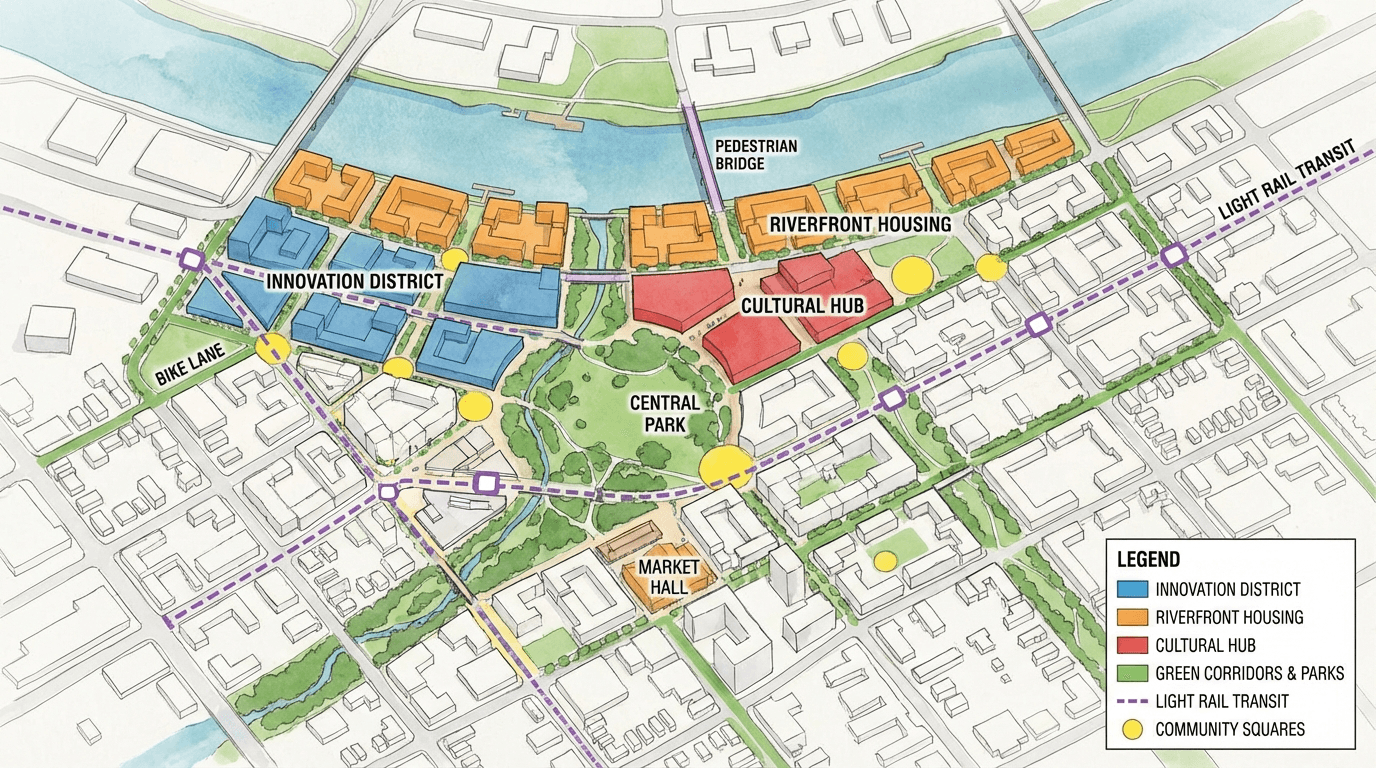
A masterplan is a strategic document defining the development vision for a territory over the next 10 to 20 years. Communicating this vision to the public is a delicate exercise: a complex project must be made understandable to varied audiences, from officials to residents to investors.
Technical plans and traditional diagrams are not enough. Citizens need to see concretely what their neighborhood will look like in 10 years. This is where AI brings considerable value.
Step 1: prepare your renders
Start by exporting renders of the different masterplan phases from your modeling software. Each project phase can be visualized separately, showing the development progression over time.
Favor clean renders without too much visual noise. AI will add the environmental context. Export in JPG or PNG, with a minimum resolution of 1920 pixels wide for optimal results.
Step 2: generate visualizations for each phase
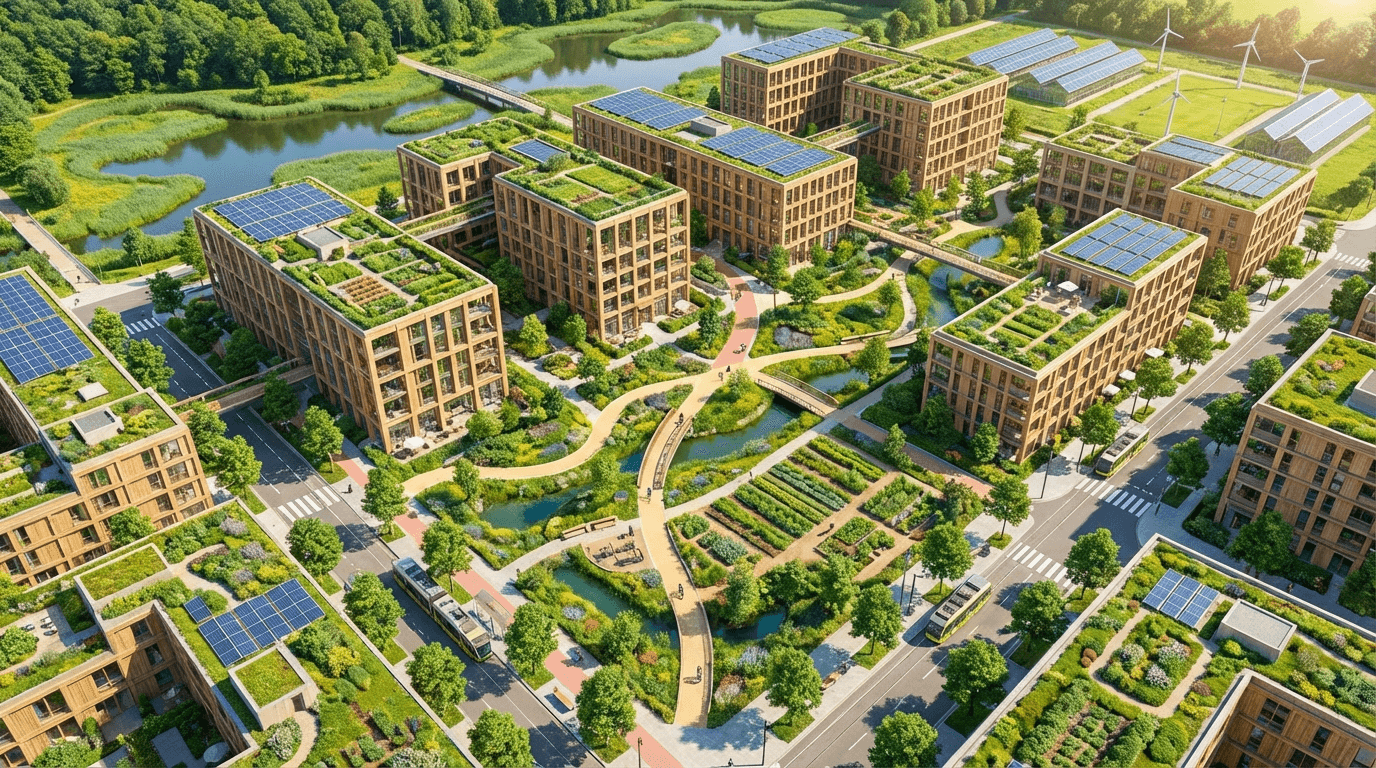
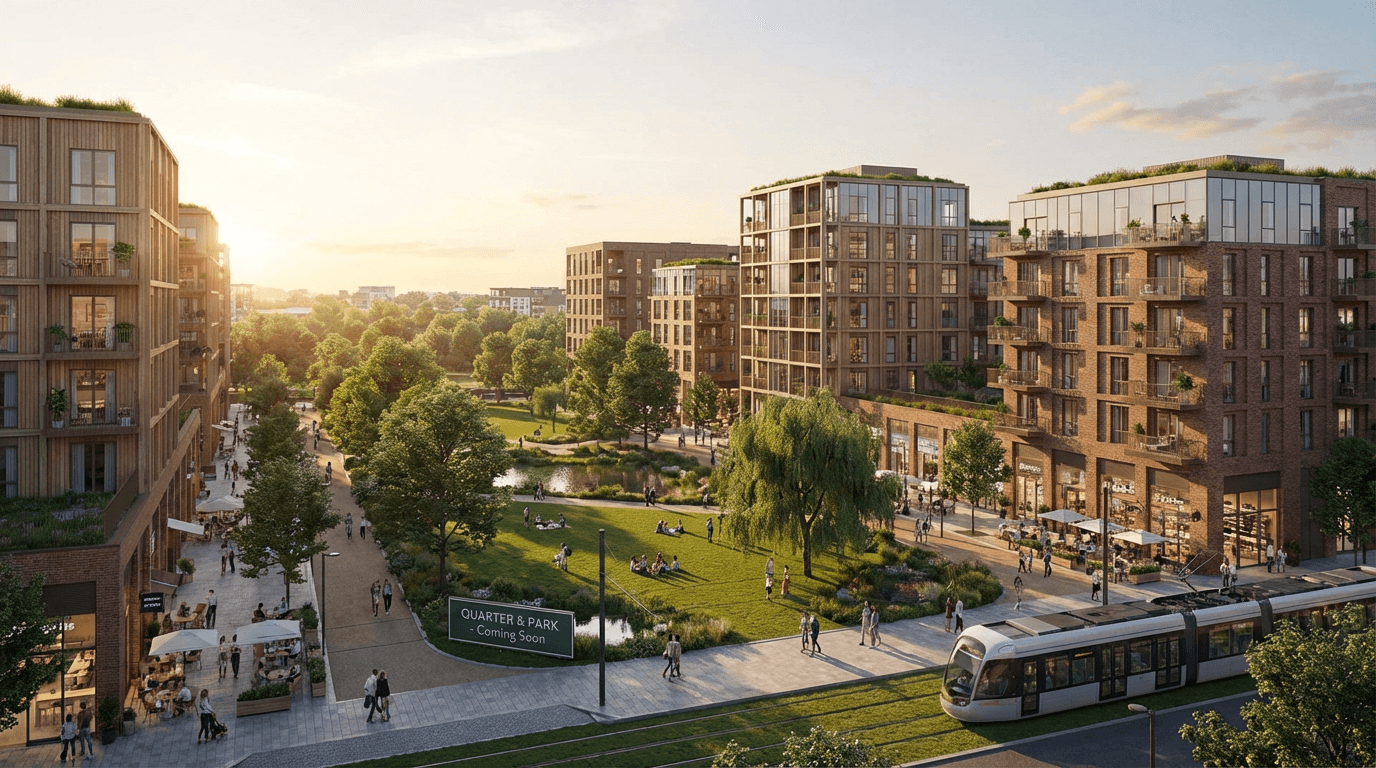
For each masterplan phase, generate a visualization showing the project integrated into the existing site. Use aerial views for master plans and pedestrian views for key public spaces.
Vary angles and conditions to create a coherent series of visuals. For example, show the central park in summer with soft light, and the market square in late afternoon with a lively atmosphere.
Step 3: create consultation materials
Generated visuals must be integrated into communication materials adapted to each audience. For public meetings, favor large-format panels with before-after views. For presentations to officials, prepare a slideshow with contextual visuals.
The advantage of AI is being able to produce as many visuals as needed to illustrate each project aspect: densification, green spaces, mobility, public facilities.
Step 4: refine with feedback
After initial presentations, stakeholder feedback will guide project evolutions. The improvement mode allows quickly adjusting visuals to reflect these changes. This responsiveness is essential in a consultation process.
You can also generate alternative visuals showing different development scenarios, facilitating debate and collective decision-making.
Step 5: document and archive
Keep all generated visuals in a library organized by phase and masterplan zone. These visuals will serve throughout the project lifecycle: presentations to funders, press communication, construction monitoring, post-delivery evaluation.
Consistent, quality visual communication throughout the project strengthens the approach's credibility and maintains stakeholder buy-in over time.
Best practices
A few tips to maximize the impact of your communication visuals. Always use recent site photos to show the current state. Maintain graphic consistency across all visuals for a single project. Integrate daily life elements into visualizations to humanize the project.
Also think about showing seasons: a masterplan that shows the project under different lighting and seasons is much more convincing than a single static view.