Table of contents
The importance of visuals in urban design competitions
In urban design competitions, the quality of visuals can tip the jury's decision. Jury members evaluate not only the project's relevance but also the team's ability to communicate their vision. A striking visual showing the project in its real context has considerable impact.
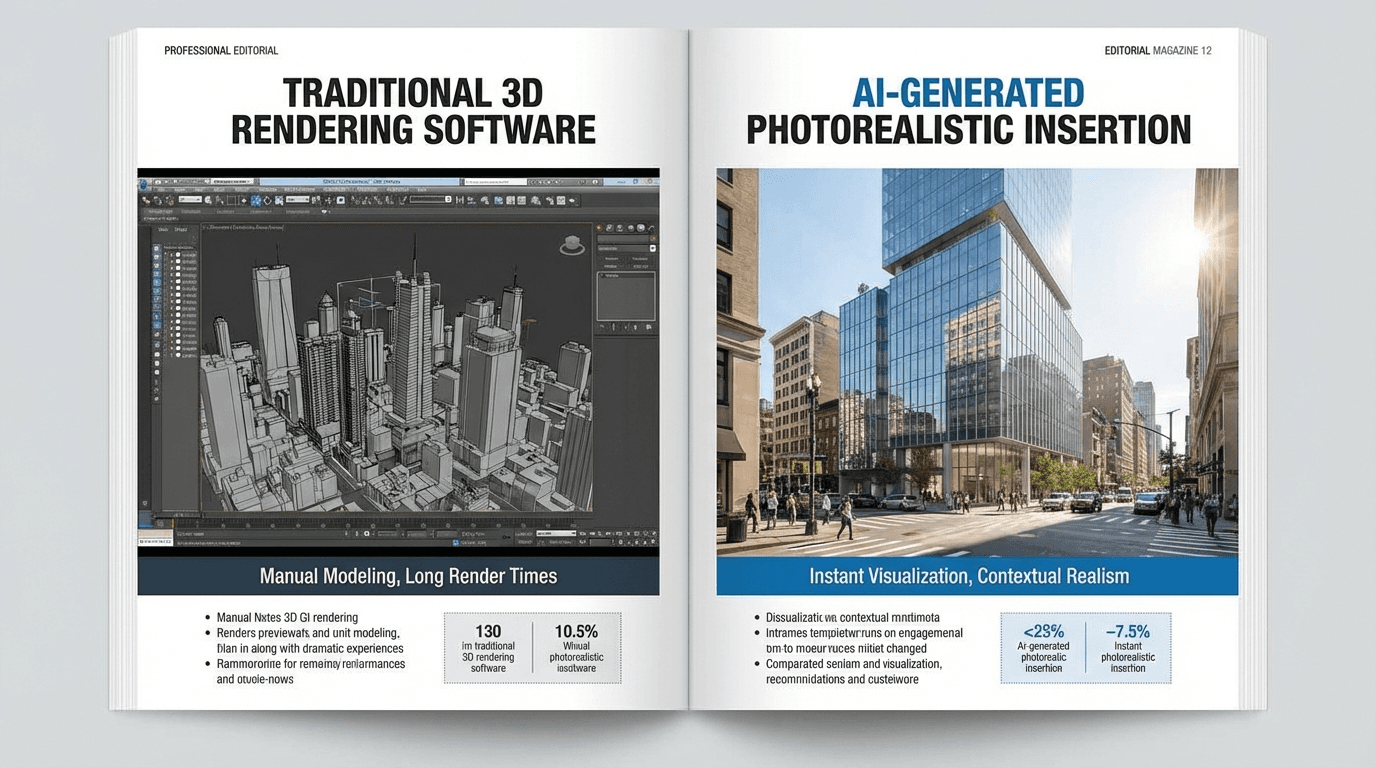
Yet producing professional-quality photomontages represents a significant investment in time and money. This is where AI changes the game.
Creating competition visuals in minutes
With AI, you can generate contextual visualizations in minutes instead of days. The process is simple: export your render from your modeling software, upload it to the platform, and get a visualization integrated into the real site.
You can experiment with different viewing angles, integration styles, and lighting conditions to find the most convincing presentation. This flexibility would be impossible with traditional methods given the tight competition deadlines.
Adapting visuals to jury expectations
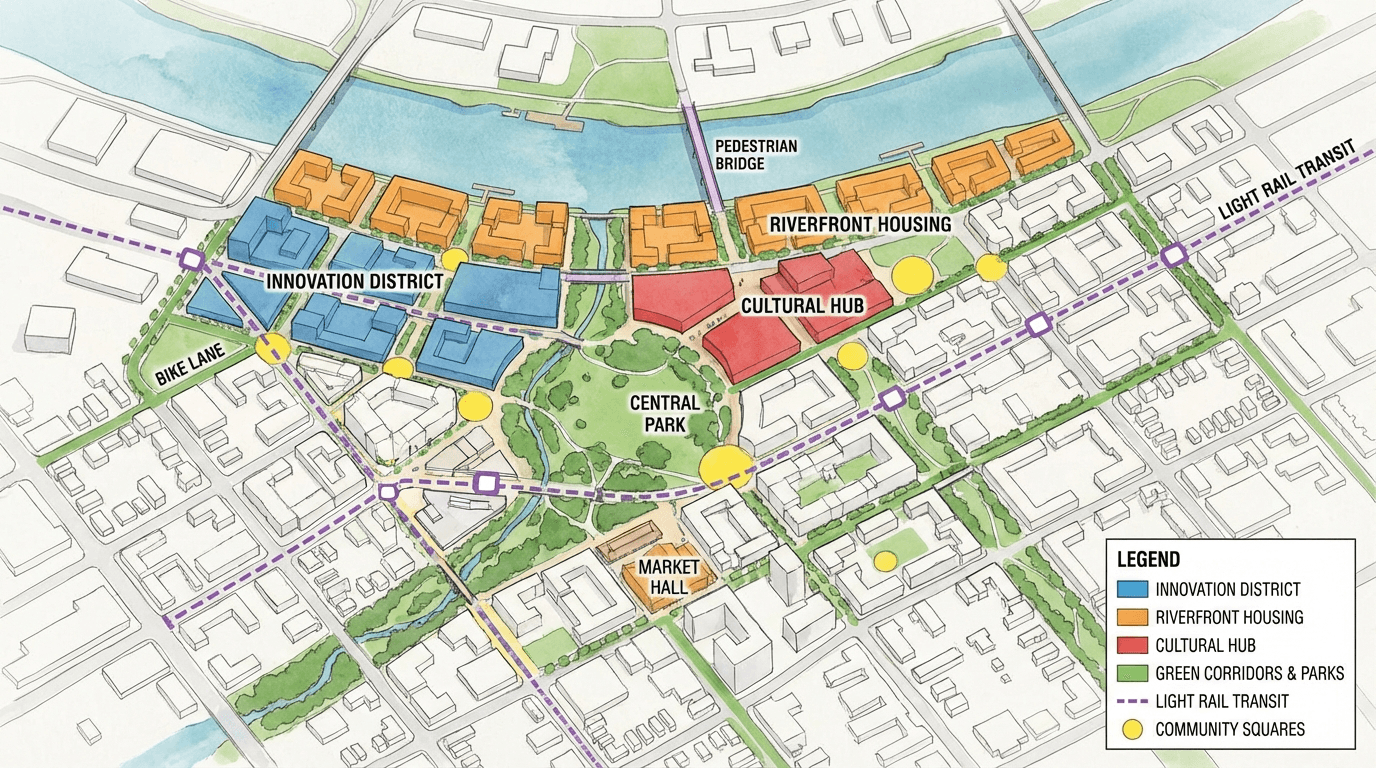
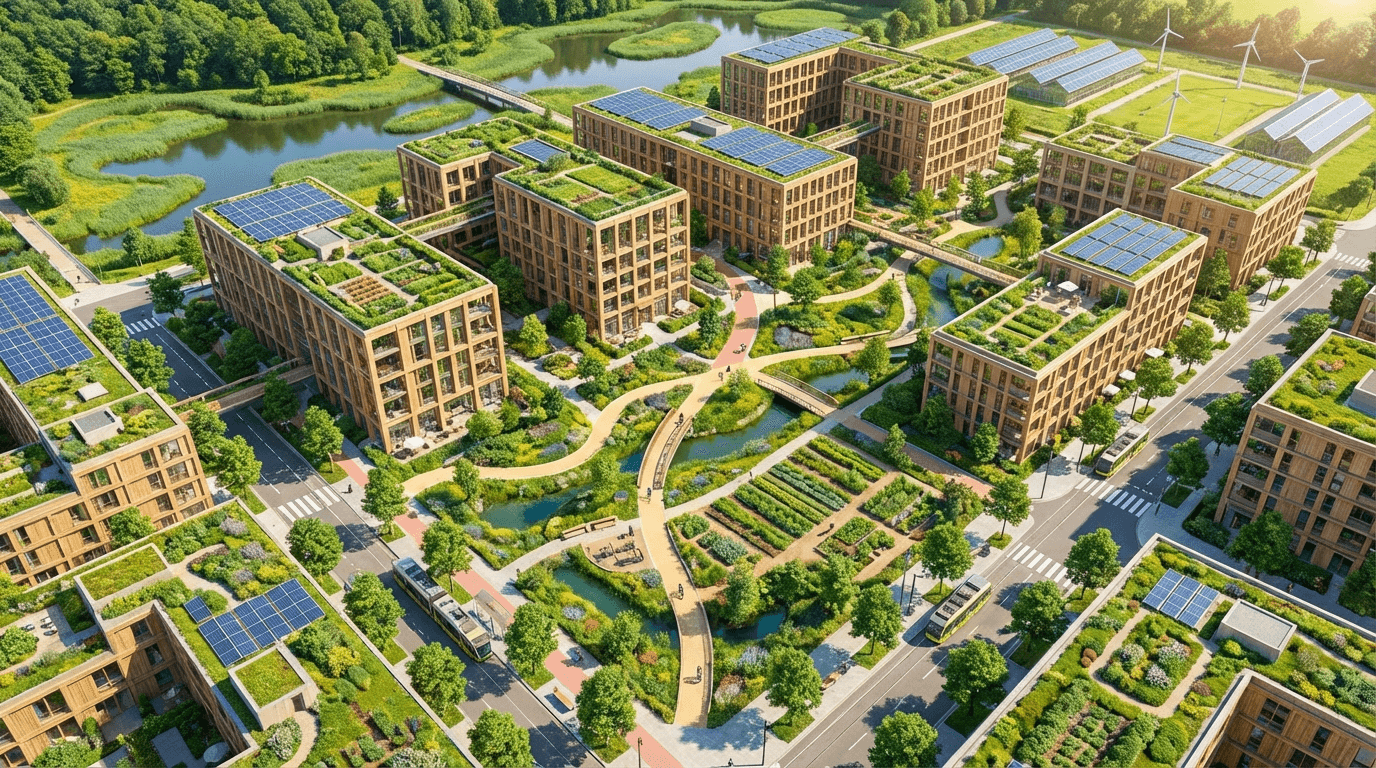
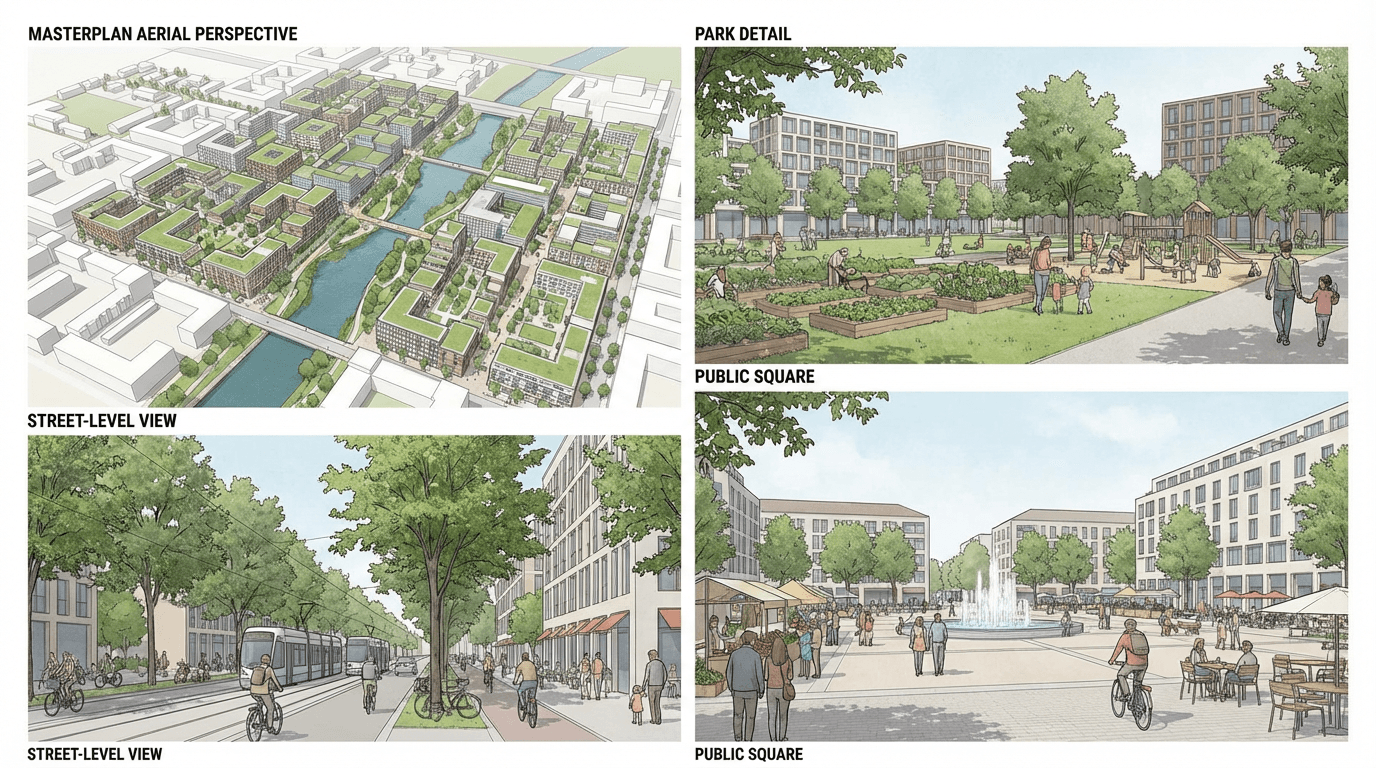
Each competition has its specifics. Some juries favor pedestrian views showing the street-level experience. Others prefer aerial views that reveal integration into the broader urban fabric. AI allows you to produce both types of visuals quickly.
The improvement mode lets you adjust details: vegetation, lighting, atmosphere. These fine adjustments make the difference between a decent visual and a memorable one.
Saving time on graphic production
Time saved on graphic production can be reinvested in thinking about the project itself. Teams using AI for their competition visuals dedicate more time to refining their concept and narrative.
In practice, this means being able to iterate on the project until the last moment while having up-to-date visuals for the final presentation.
Resolution and format suited for presentations
Generated visuals are high resolution, directly usable for exhibition panels, projections, and printed files. The format meets architecture and urban design competition standards.
You can export in different resolutions depending on the medium: screen for projection, HD for panels, ultra for large-format printing.